
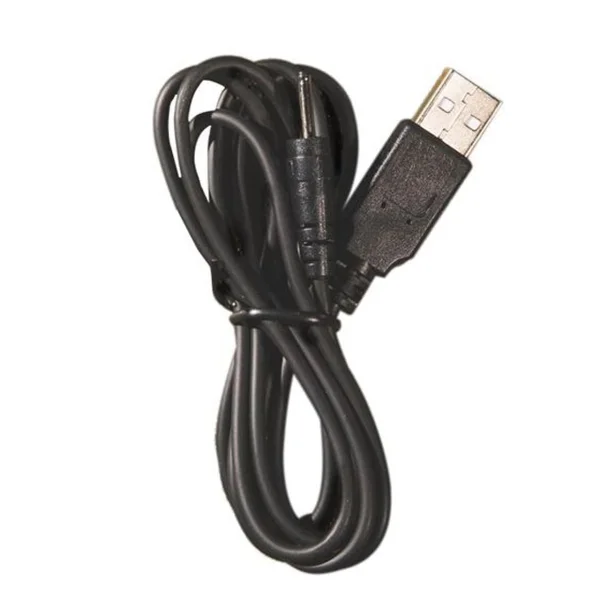
Hot Octopuss Pin Charging Cable
The Hot Octopuss Pin Charging Cable is a specialized accessory for compatible devices like the PULSE SOLO ESSENTIAL, DiGiT, ATOM, ATOM PLUS, ATOM PLUS LUX,…
Product Unavailable
Sorry, we don't know where you can buy Hot Octopuss Pin Charging Cable in UK.
How about these instead?

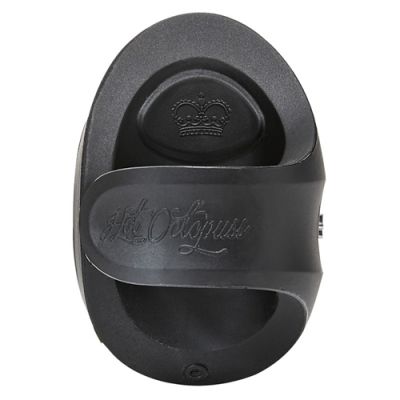
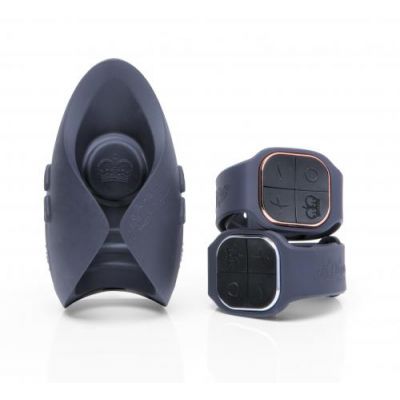
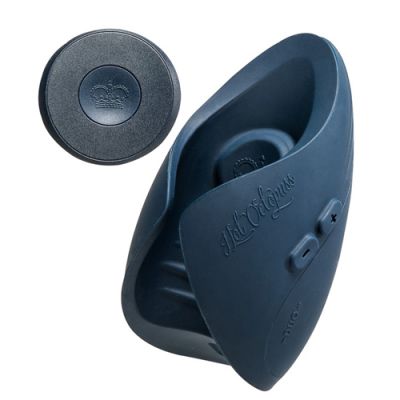
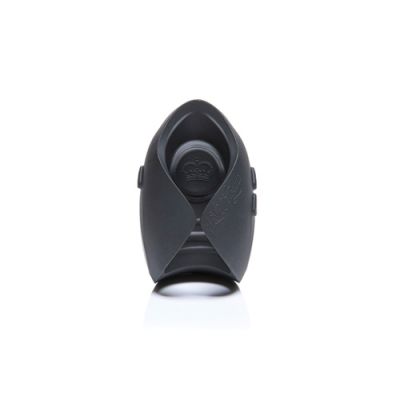
Description
The Hot Octopuss Pin Charging Cable is a specialized accessory designed to maintain the functionality of compatible Hot Octopuss devices. It provides a secure and reliable connection for recharging specific models within the brand's ecosystem, ensuring your device remains ready for use. This cable is an essential replacement or backup for owners of select Hot Octopuss products.
Compatibility and Device Support
Understanding which devices require this specific charging solution is crucial for optimal performance. The Hot Octopuss Pin Charging Cable is engineered to work exclusively with devices that utilize the proprietary Pin charging interface. This includes the PULSE SOLO ESSENTIAL, the DiGiT, the ATOM, the ATOM PLUS, the ATOM PLUS LUX, the AMO, and the KURVE models. For the PULSE DUO LUX, SOLO LUX, PULSE III, and Queen Bee models, a different charging cable variant is required. Using the correct cable ensures that the charging process is efficient and prevents potential damage to the device's charging port. It is important to verify your device model before purchasing to ensure compatibility, as using an incorrect cable may not establish a connection or could potentially interfere with the device's internal components.
Design and Build Quality
The cable features a robust construction designed to withstand regular use. The pin-style connector is precision-engineered to fit snugly into the charging port of compatible Hot Octopuss devices. This secure fit minimizes the risk of accidental disconnection during charging. The cable itself is likely made from durable materials that resist tangling and fraying, ensuring longevity. The design prioritizes functionality, with a focus on delivering consistent power to the device's battery. The pin mechanism is a key differentiator from standard USB-C or magnetic charging cables, offering a secure and stable connection that is less prone to wear and tear over time.
Usage and Care Instructions
To use the Hot Octopuss Pin Charging Cable, simply align the pin connector with the charging port on your compatible device. Insert the connector gently until it seats securely. Connect the other end of the cable to a standard USB power source, such as a computer USB port or a standard USB wall adapter. The device will indicate when it is charging, typically through an LED indicator. Once fully charged, disconnect the cable by pulling it straight out from the device. Avoid bending the cable sharply near the connector, as this can damage the internal wires. Store the cable in a cool, dry place when not in use to preserve its integrity. Regularly inspect the cable for any signs of damage, such as fraying or exposed wires, and replace it if necessary to ensure safe operation.
Importance of Using Genuine Accessories
Using genuine Hot Octopuss accessories, such as this Pin Charging Cable, is recommended to maintain the device's performance and warranty. Third-party cables may not provide the correct voltage or current, potentially damaging the device's battery or charging circuitry. The proprietary pin design ensures a secure connection that is tailored to the specific power requirements of Hot Octopuss devices. This attention to detail in accessory design reflects the brand's commitment to quality and user safety. By using the correct cable, you ensure that your device charges efficiently and operates as intended, providing a reliable experience for your wellness routine.

Specifications
- Hawttt Product ID:
- 241051
- Category:
- Accessories
Frequently Asked Questions
Which Hot Octopuss devices is the Pin Charging Cable compatible with?
It is compatible with the PULSE SOLO ESSENTIAL, DiGiT, ATOM, ATOM PLUS, ATOM PLUS LUX, AMO, and KURVE. It is not compatible with the PULSE DUO LUX, SOLO LUX, PULSE III, or Queen Bee, which require a different cable.
What type of connector does the Hot Octopuss Pin Charging Cable use?
It uses a proprietary pin-style connector designed to fit securely into the charging port of compatible Hot Octopuss devices. This ensures a stable connection during the charging process.
How do I connect the Hot Octopuss Pin Charging Cable to a power source?
Insert the pin connector into your device's charging port, then plug the USB end into a standard USB wall adapter or computer USB port. The device will indicate when charging has begun.